Design for 3D Printing

Turn an idea into a successful 3D-printed prototype

  1. Watch Using the Mouse in Tinkercad.

  2. Choose one project tutorial to complete: Bookmark, Fidget Spinner, or Crazy Creatures.

  3. Watch The 4 Mistakes That Will Doom Your Prints to Fail.

Skip to Videos
  • Using the Mouse in Tinkercad

    Using the Mouse in Tinkercad

    Using Tinkercad will be much easier when you know how to use your mouse to navigate, select, move, and view your designs.

  • Design a bookmark

    Design a bookmark

    Create a simple bookmark while practicing basic Tinkercad skills like adding, resizing, aligning, and grouping shapes.

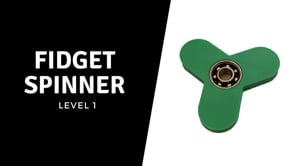
  • Fidget Spinner

    Fidget Spinner

    Create a fidget spinner while practicing how to combine shapes, create holes, align objects, and work with precise dimensions.

  • Crazy Creatures

    Crazy Creatures

    Create your own crazy creature while practicing how to combine, resize, rotate, and position shapes to build a unique 3D design.

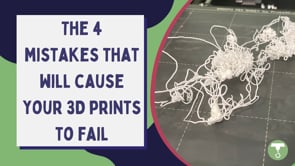
  • The 4 Mistakes That Will Doom Your Prints To Fail

    The 4 Mistakes That Will Doom Your Prints To Fail

    Want to make sure your print doesn’t turn into filament spaghetti? Make sure you avoid these common mistakes.